
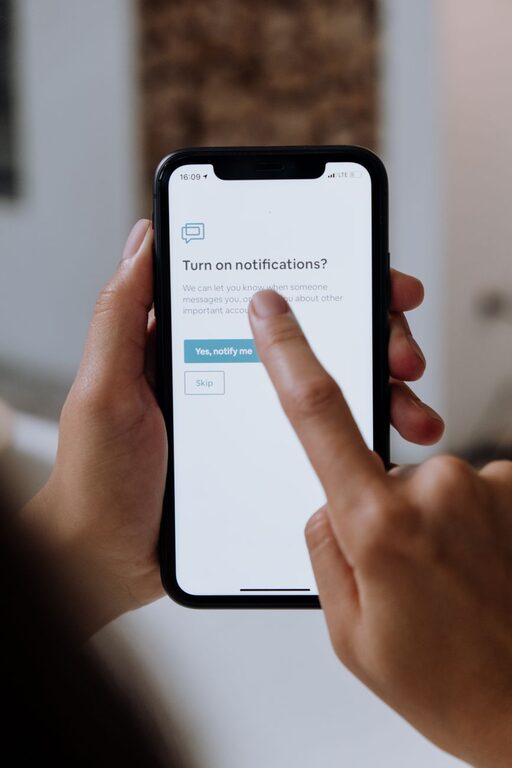
In today’s digital world, notifications are everywhere. From smartphones to computers, apps and devices constantly send alerts to grab our attention. While notifications can be helpful for staying updated, they can also cause distractions and stress if left unchecked. Setting boundaries with notifications is an important step toward improving focus, reducing anxiety, and reclaiming your time.
In this post, we’ll explore practical tips to help you manage notifications more effectively, so you can stay productive and enjoy a better work-life balance.
Why Setting Boundaries with Notifications Matters
Notifications can interrupt your workflow, fragment your attention, and lead to digital overwhelm. Constant alerts make it hard to concentrate, increase stress, and affect sleep quality. By setting clear boundaries, you create space to be more present, work efficiently, and relax without distraction.
Start with Notification Awareness
Before you can control your notifications, it’s important to understand how many you receive daily and which apps or services send them. Spend a day or two observing your device’s alerts and note which ones are essential and which aren’t.
Tips for Awareness:
– Use your phone’s settings to view notification history.
– Pay attention to how often you check your device after a notification.
– Identify apps that send frequent but unnecessary notifications.
Customize Your Notification Settings
Most devices and apps allow you to customize notifications. Tailoring these settings helps ensure you only get alerts that truly matter.
How to Customize:
– Turn off non-urgent alerts: Disable notifications from apps that aren’t necessary.
– Use “Do Not Disturb” modes: Schedule times when notifications are silenced, like during meetings or sleep.
– Adjust notification styles: Choose silent alerts or banners instead of sounds or pop-ups.
– Group notifications: Some devices let you bundle notifications, reducing clutter.
Set Specific Times for Checking Notifications
Constantly checking notifications as they arrive leads to interruptions. Instead, designate particular times during your day to check messages and alerts.
Benefits:
– Reduces multitasking and distractions.
– Helps maintain deep work sessions.
– Encourages mindful use of technology.
How to Implement:
– Set hourly or few-times-a-day “notification breaks.”
– Inform coworkers or friends about your response times to set expectations.
– Use app timers or focus modes to limit notification access outside these periods.
Use App Features to Limit Notifications
Many apps offer built-in features to help manage notifications without turning them off completely.
Examples:
– Mute conversations or channels: Temporarily silence specific chats.
– Notification summaries: Receive grouped notifications at set times.
– Priority settings: Allow only important alerts to come through immediately.
Explore the apps you use most to discover these options.
Manage Email Notifications Separately
Email can be a major source of alerts. Managing these notifications differently can reduce overwhelm.
Suggestions:
– Turn off push notifications for email apps.
– Use “VIP” or starred contacts to get notified only for important messages.
– Schedule specific times to check incoming emails.
– Use filters and folders to organize emails and reduce noise.
Utilize Technology Tools to Assist
There are tools designed to help manage notifications and improve focus.
Helpful Tools:
– Focus or productivity apps: Such as Forest, Focus@Will, or Focus Mode features.
– Automation apps: Apps like IFTTT or Zapier can manage notifications based on rules.
– Notification managers: Dedicated apps that filter or prioritize alerts.
Experiment with tools that suit your lifestyle.
Communicate Your Boundaries
If you receive work notifications outside business hours or unexpected messages, it’s okay to communicate your boundaries to others.
How to Communicate:
– Set clear work hours with your team.
– Inform friends and family about your preferred times for calls or messages.
– Use status messages or automated replies to indicate when you’re unavailable.
Clear communication helps others respect your focus time and personal space.
Create a Device-Free Time
Finally, consider setting aside time each day when you put devices away entirely.
Benefits:
– Enhances relaxation and mental clarity.
– Improves sleep if done before bedtime.
– Encourages real-world connections.
Ideas:
– No-phone meals or social gatherings.
– Digital curfews an hour before sleep.
– Weekend device breaks or digital detox periods.
Conclusion
Setting boundaries with notifications is a simple but powerful way to improve your digital wellbeing and productivity. By increasing awareness, customizing settings, scheduling notification checks, and communicating your limits, you can reduce distractions and reclaim your time. Remember, your devices are tools meant to serve you—not the other way around. With a little intention, you can create a healthier, more balanced relationship with technology.
Try implementing these tips step by step and notice how your focus and overall wellbeing improve.